
Best WordPress Backup Plugins


A WordPress site can disappear in seconds.
Server crashes, plugin conflicts, hacking attempts — it happens more often than most site owners expect.
The real question isn’t if something goes wrong.
It’s whether you’re ready when it does.
In this guide, we tested and compared the best WordPress backup plugins — from industry giants to newer tools like BackupWP — to help you choose the right solution.
How We Tested These Plugins
We evaluated each plugin based on what actually matters in real-world use:
- Ease of use (beginner-friendly or not)
- Automation & scheduling
- Backup reliability
- Restore simplicity
- Storage options (cloud vs local)
- Performance impact
Because a backup is only useful if it works when everything else fails.
Top 5 Best WordPress Backup Plugins
1. BackupWP — Best Modern & Beginner-Friendly Solution

WordPress Backup & Migration Pro ·

Modern-style backup plugin with automation and simple restore workflows
BackupWP represents a new generation of backup tools — built with simplicity and automation first.
Unlike older plugins that evolved over time, BackupWP is designed from scratch for modern users.
Key advantages:
- Clean, intuitive UI (no technical knowledge needed)
- True set-and-forget automation
- One-click restore (critical during downtime)
- Optimized performance (less server load)
- Cloud-first approach
What stands out:
- The setup takes minutes — no technical steps
- Backups run automatically without constant checking
- Restoring a site is genuinely one click
- Clean UI (huge difference vs older plugins)
- Optimized to avoid slowing down your site
During testing, this was the only plugin that felt truly “set and forget”.
Best for: beginners, business owners, SaaS users
Downside: newer on the market (smaller ecosystem — for now)
2. UpdraftPlus — Most Popular Free Plugin

UpdraftPlus – Backup/Restore for WordPress
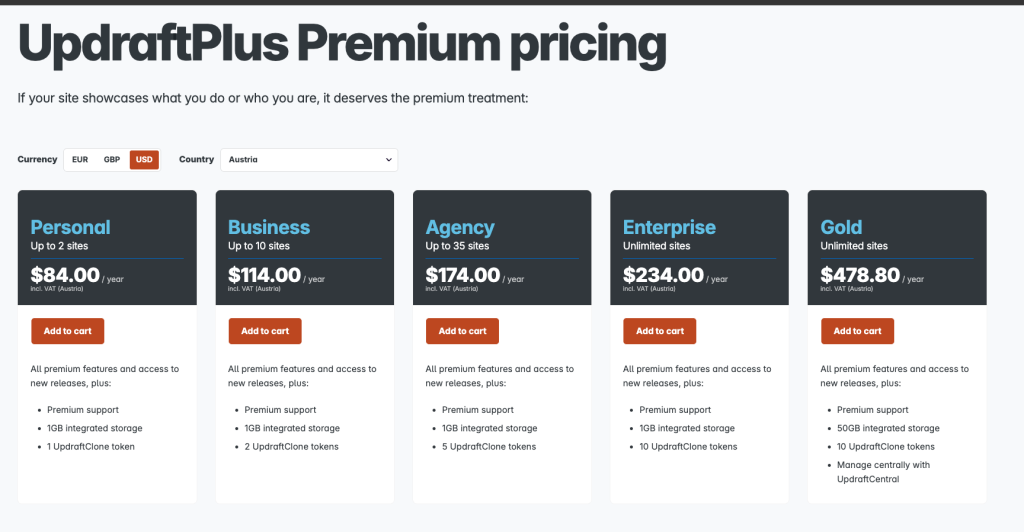
Widely used backup plugin with scheduling and cloud integrations
With over 3 million installs, UpdraftPlus is the most widely used backup plugin.
What you’ll like:
- Works out of the box
- Supports major cloud storage providers
- Flexible backup scheduling
What you might not:
- Interface feels outdated
- Too many options for beginners
- Some key features require paid version
Still a safe choice — but not the easiest one.
3. BlogVault — Premium Reliability

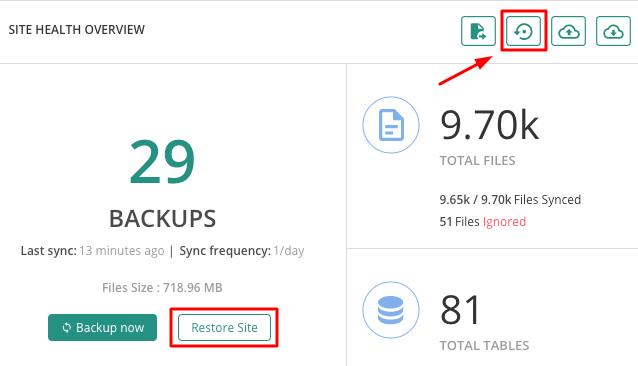
BlogVault takes a different approach — it runs backups on external servers.
That means your hosting isn’t overloaded during backups.
Strengths:
- Very reliable backups
- Built-in staging environment
- Excellent restore process
Weaknesses:
- No free version
- More expensive than competitors
Best for: agencies and serious projects
4. Jetpack Backup — Seamless but Locked-In
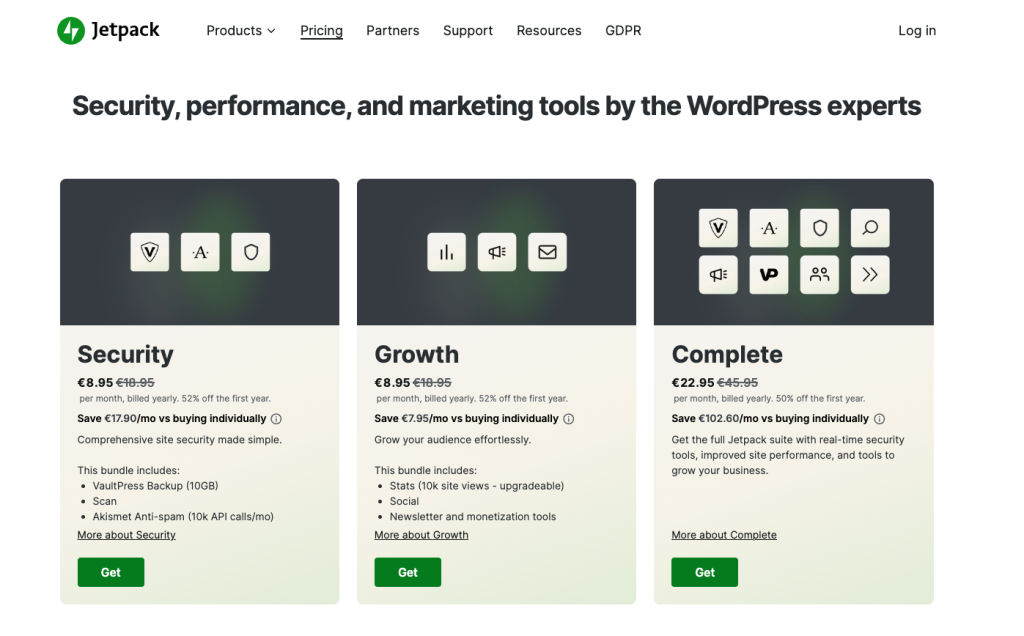
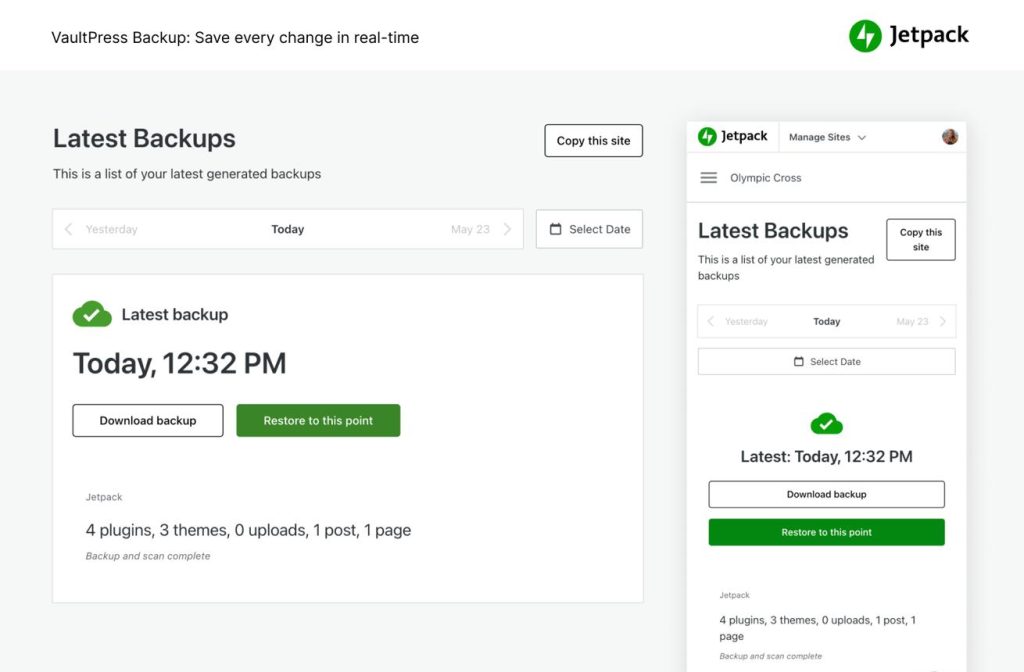
Jetpack Backup integrates deeply with WordPress.com.
It’s smooth — but comes with trade-offs.
Pros:
- Real-time backups
- Activity log
- Easy restore
Cons:
- Requires subscription
- Tied to Jetpack ecosystem
Good if you already use Jetpack.
5. Duplicator — Best for Migration & Cloning
Duplicator Pro WordPress Plugin ·
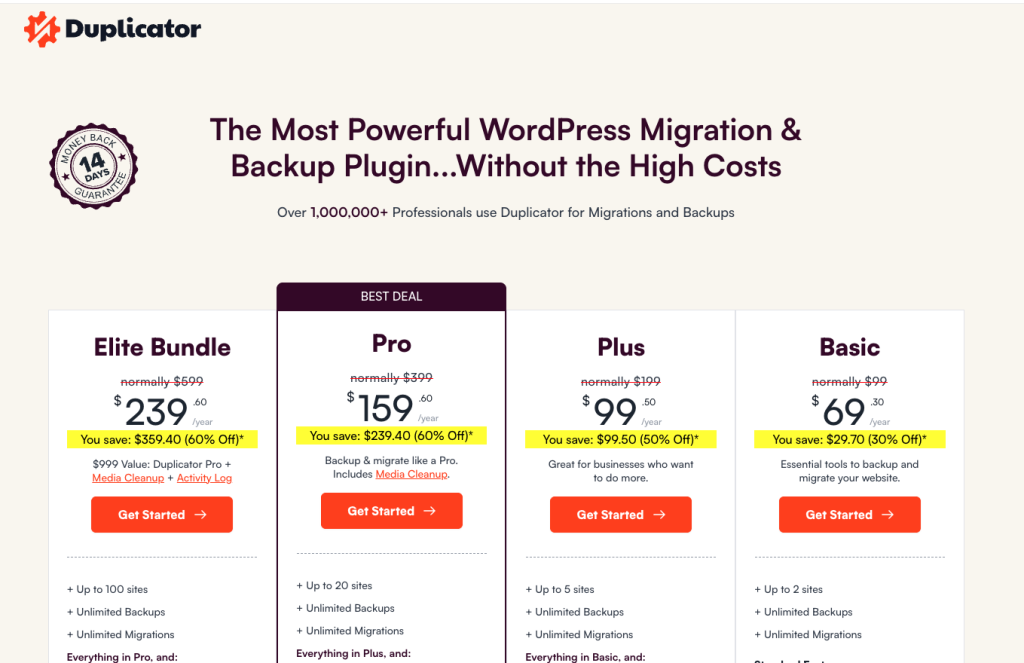
Powerful tool for site migration, cloning, and full backups
Duplicator is widely known for migrations — but it also works as a backup tool.
Pros:
- Excellent for site cloning
- Full-site backups
- Reliable restore
Cons:
- Less beginner-friendly
- Not focused purely on backups
Best for: developers & migrations
6. WPvivid — Feature-Rich Free Option
WPvivid Backup Plugin ·
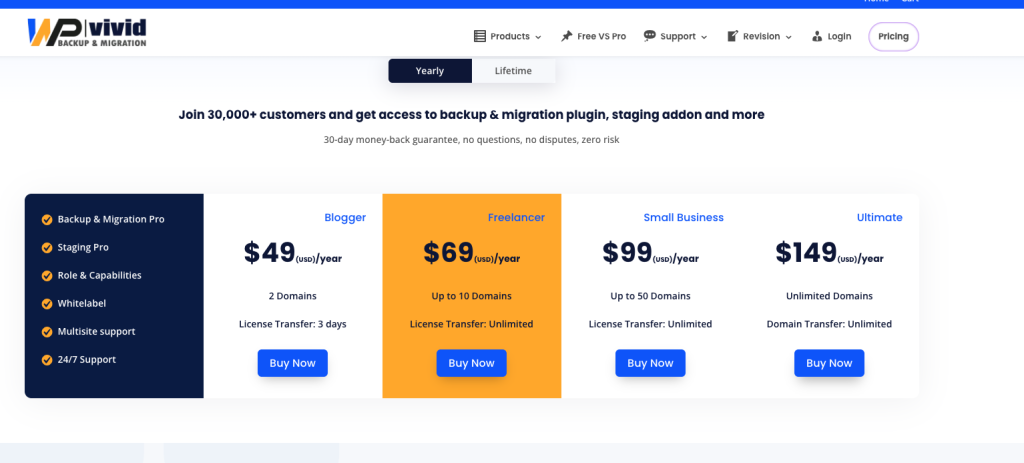
All-in-one backup and migration plugin with advanced features
WPvivid offers a surprisingly rich free feature set.
Pros:
- Incremental backups
- Migration + staging features
- Good automation options
Cons:
- More complex interface
- Past security concerns (patched)
Best for: advanced users on a budget
6. Backuply — Simple Alternative
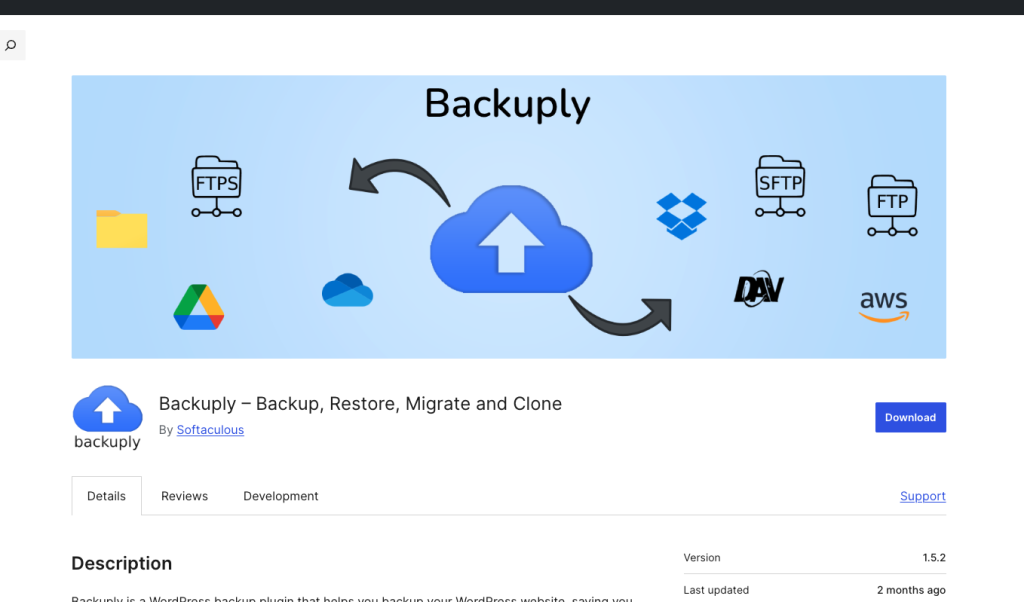
Backuply Pro WordPress Plugin
Simple backup plugin with multiple storage options
Backuply is a lightweight and straightforward option.
Pros:
- Easy to use
- Multiple storage integrations
- Affordable
Cons:
- Less powerful than competitors
- Limited ecosystem
Best for: simple sites
7. BackupBuddy — A Veteran Tool That Still Gets the Job Done
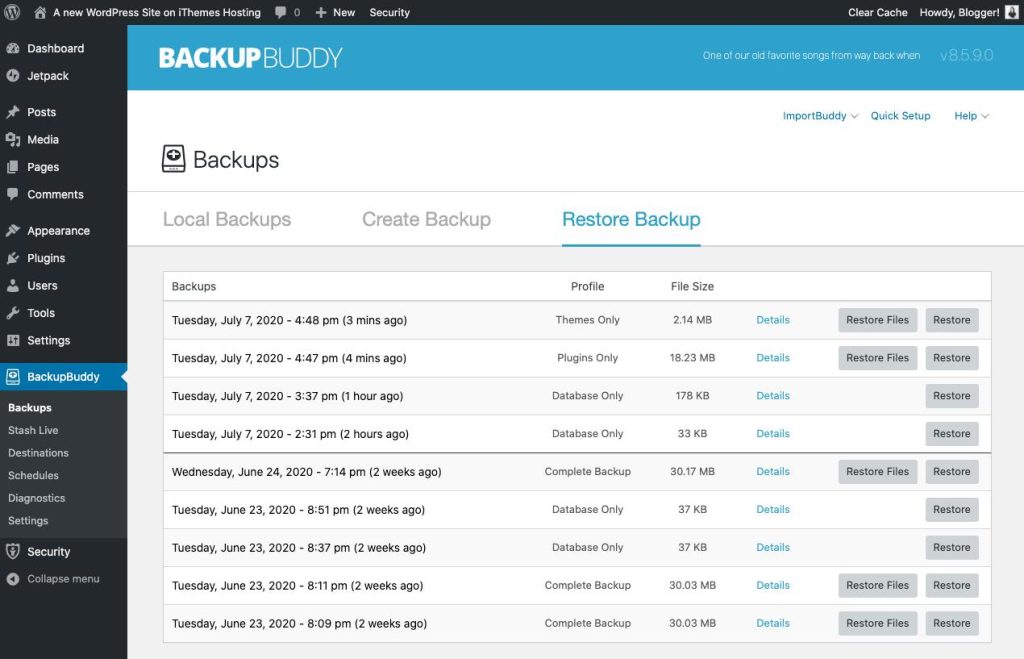
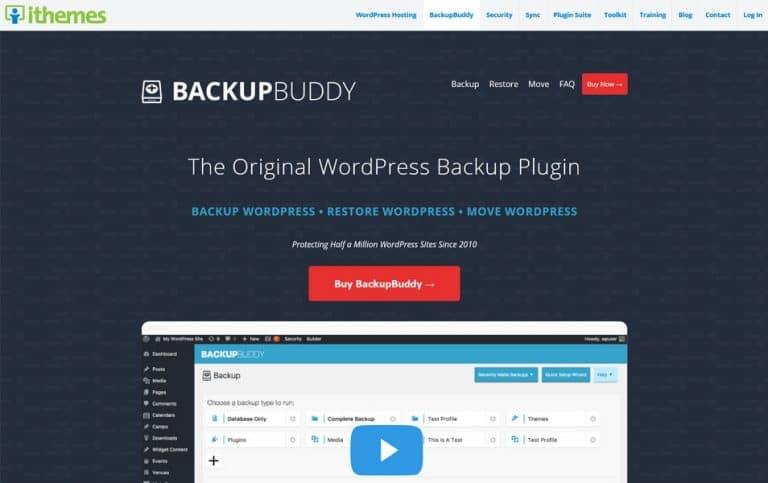
BackupBuddy is one of the oldest WordPress backup plugins on the market — and that history shows in both good and bad ways.
On one hand, it’s been tested across thousands of real-world sites. It’s stable, predictable, and handles full-site backups without surprises. For many long-time WordPress users, it’s a tool they’ve relied on for years.
On the other hand, the plugin hasn’t evolved as quickly as newer competitors. The interface feels dated, and the setup process can take longer compared to modern “plug-and-play” solutions.
What works well:
- Full-site backups including files and database
- Reliable restore process
- Proven track record over many years
Where it falls behind:
- Outdated user experience
- Slower setup compared to newer tools
- Fewer automation-focused improvements
BackupBuddy is still dependable — but it feels like a product from a previous generation of WordPress tools.
8. Total Upkeep — Simple, Lightweight, and Surprisingly Capable
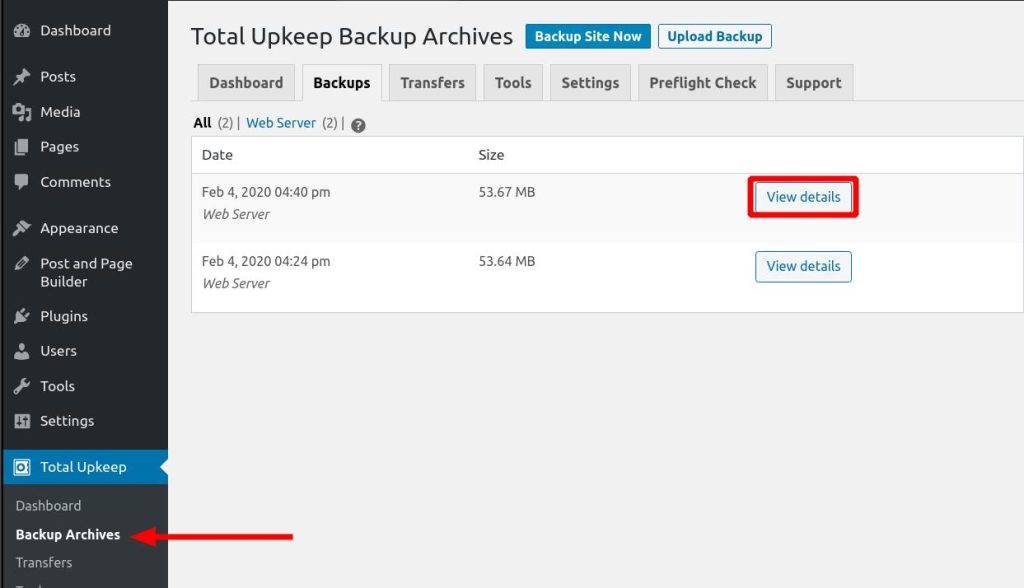
Total Upkeep doesn’t try to compete on feature overload — and that’s exactly its strength.
It’s a lightweight plugin designed for users who want a straightforward backup solution without digging through dozens of settings. The interface is clean, the setup is fast, and most users can get their first backup running within minutes.
One standout feature is its pre-update safety check, which scans your site before updates and can automatically restore it if something breaks — a feature that’s surprisingly useful in real-world scenarios.
What you’ll like:
- Simple and beginner-friendly interface
- Fast setup with minimal configuration
- Pre-update checks and automatic rollback
Limitations:
- Fewer advanced features
- Less flexible for large or complex sites
A great choice for small business sites or personal projects that need reliability without complexity.
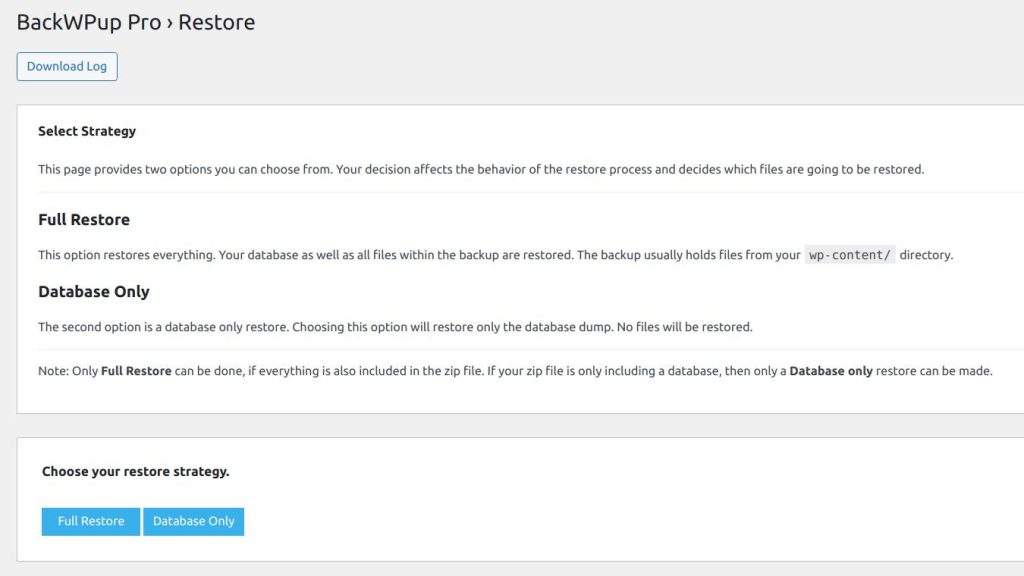
9. BackWPup — Powerful, Flexible, but Not for Beginners
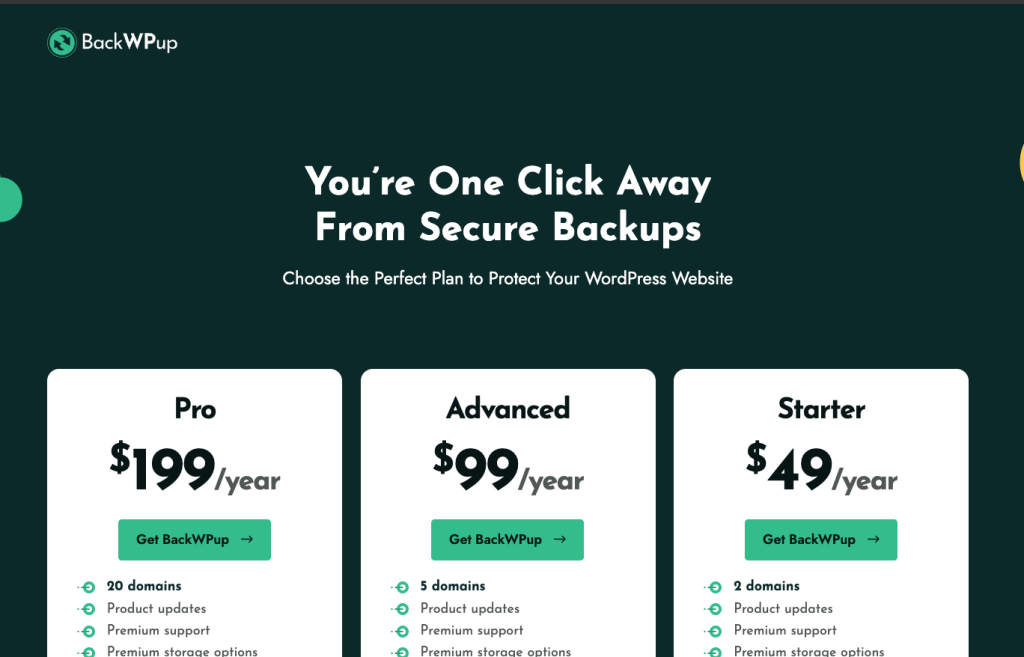
BackWPup is built for users who want control — and are comfortable managing it.
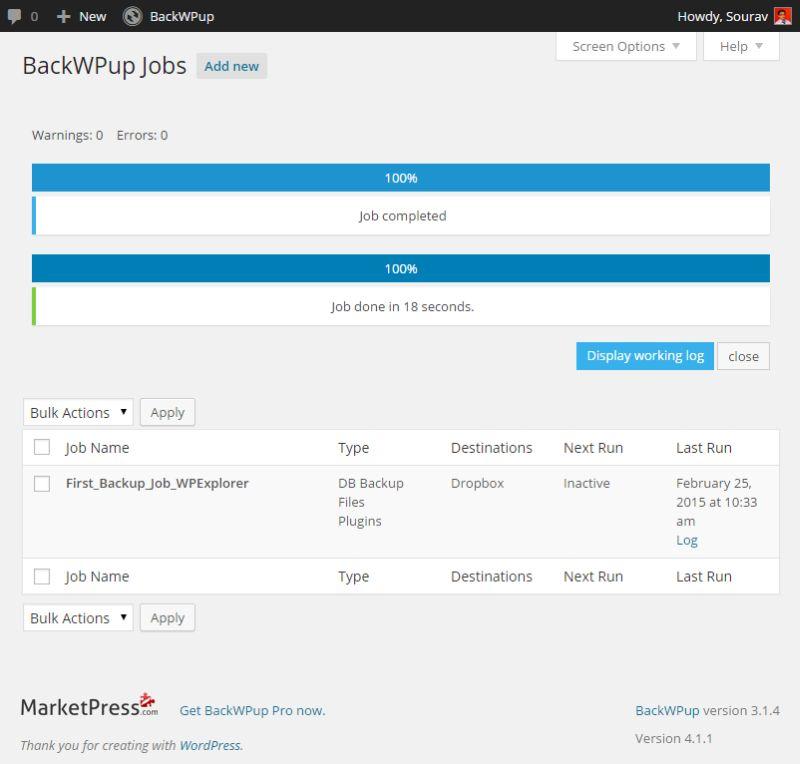
Instead of simplifying the process, it gives you detailed control over backup jobs, schedules, storage locations, and file handling. For experienced users, this flexibility is a big advantage.
But for beginners, it can feel overwhelming. Setting up your first backup isn’t as intuitive, and the interface assumes you understand how WordPress backups work.
Strengths:
- Highly customizable backup jobs
- Supports multiple storage destinations
- Flexible scheduling options
Challenges:
- Steeper learning curve
- Interface is not beginner-friendly
- Restore process is less straightforward
BackWPup is powerful — but it rewards experience. If you’re new to WordPress, there are easier options.
Comparison Table
| Plugin | Ease of Use | Automation | Restore | Best For |
| BackupWP | ⭐⭐⭐⭐⭐ | Advanced | 1-click | Beginners |
| UpdraftPlus | ⭐⭐⭐ | Good | Good | Free users |
| BlogVault | ⭐⭐⭐⭐ | Advanced | Excellent | Agencies |
| Jetpack | ⭐⭐⭐⭐ | Real-time | Easy | Jetpack users |
| Duplicator | ⭐⭐⭐ | Limited | Strong | Devs |
| WPvivid | ⭐⭐⭐ | Good | Good | Power users |
| BackupBuddy | ⭐⭐⭐ | Good | Good | Legacy users |
| Total Upkeep | ⭐⭐⭐⭐ | Good | Good | Small sites |
| BackWPup | ⭐⭐ | Advanced | Complex | Advanced |
The Key Trend in 2026
Backup plugins are shifting from:
- manual tools → fully automated systems
- complex dashboards → clean UX
- local storage → cloud-first backups
That’s exactly where newer tools like BackupWP are gaining ground.
Final Thoughts
Choosing a backup plugin isn’t about features — it’s about reliability under pressure.
When your site goes down, you don’t want options.
You want a solution that works instantly.
And that’s exactly where modern tools are winning.
FAQ
The best plugin depends on your needs, but tools like BackupWP, UpdraftPlus, and Duplicator are among the most reliable options.
Yes, free plugins like UpdraftPlus or WPvivid can handle basic backups, but premium tools offer better automation and reliability.
BackupWP is one of the easiest options due to its simple interface and automation-first approach.
Most sites should be backed up daily, while eCommerce sites may require real-time backups.




Comments
Thank you for your review!
Your review has been submitted for moderation.
Write a review or ask a question